
Connect from Pace
Recommended · app.pacehq.ai
- Sign in to Pace at app.pacehq.ai as an organization admin.
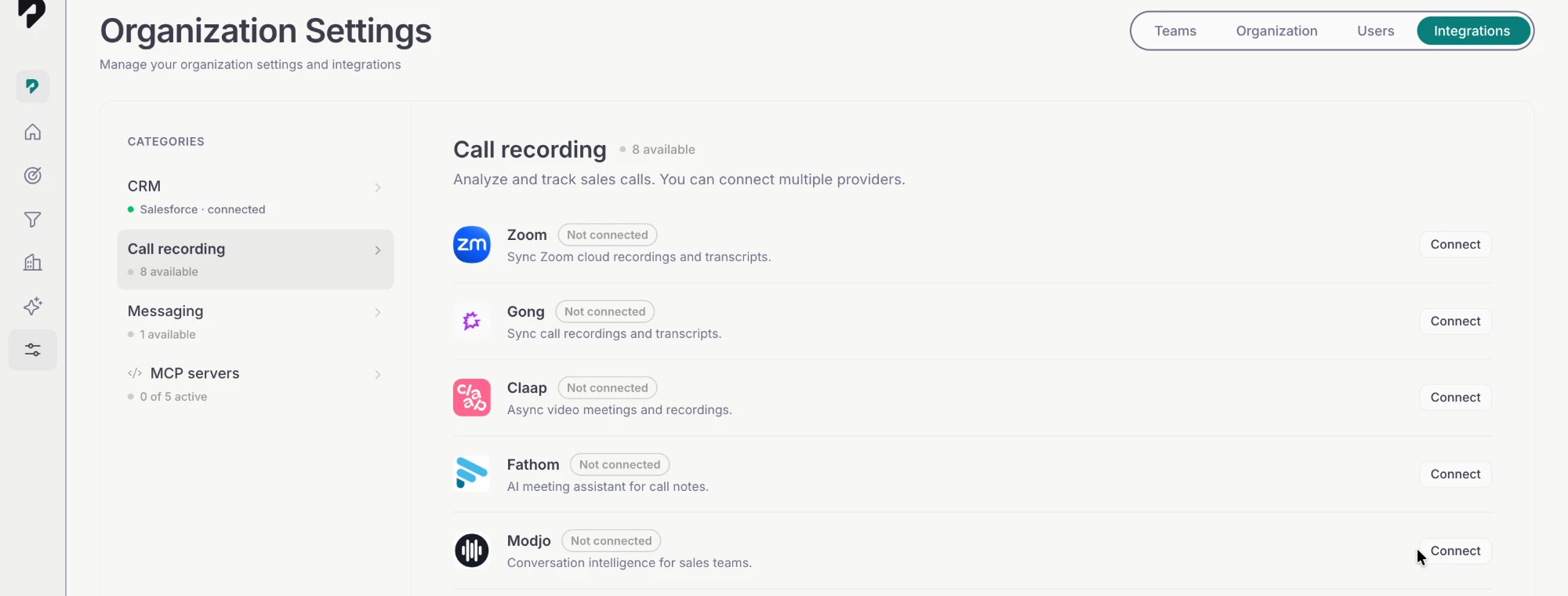
- Open Settings from the left sidebar, then select the Integrations tab.
- Choose the Call recording category, find Zoom in the list, and click Connect.
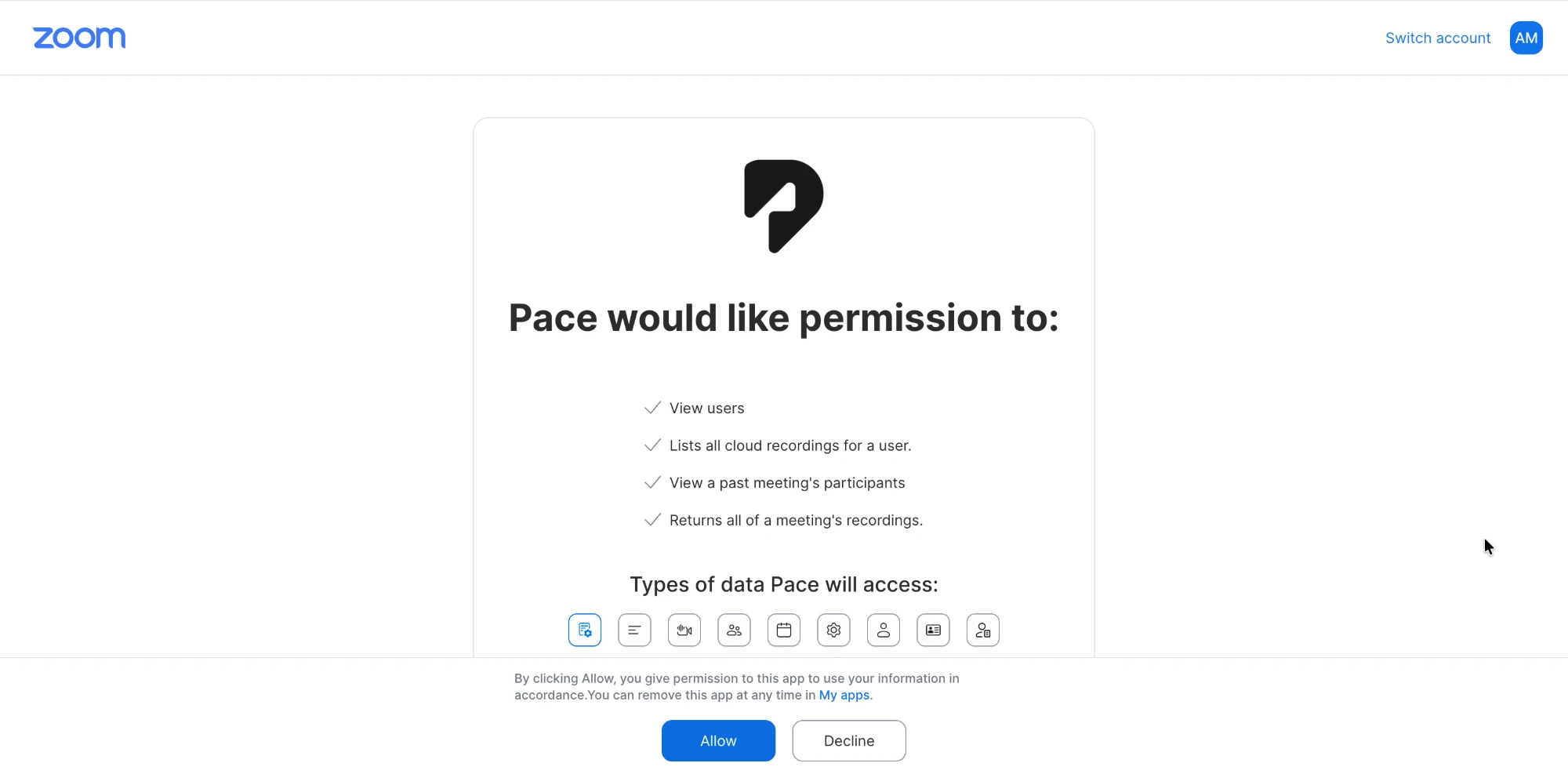
- You're redirected to Zoom's consent screen, headed "Pace would like permission to:". Review the four read permissions and click Allow.
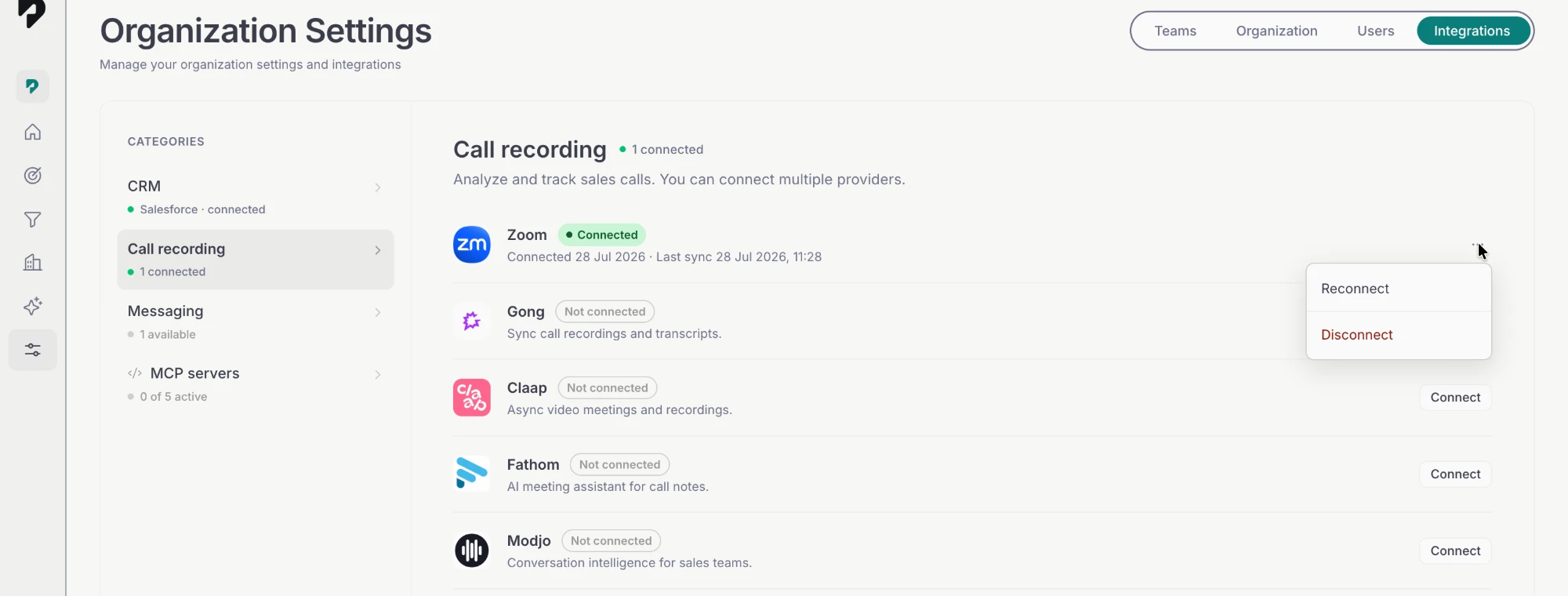
- Zoom sends you back to Pace. The Zoom row now shows Connected with its connected and last-sync timestamps, and the first sync begins automatically.
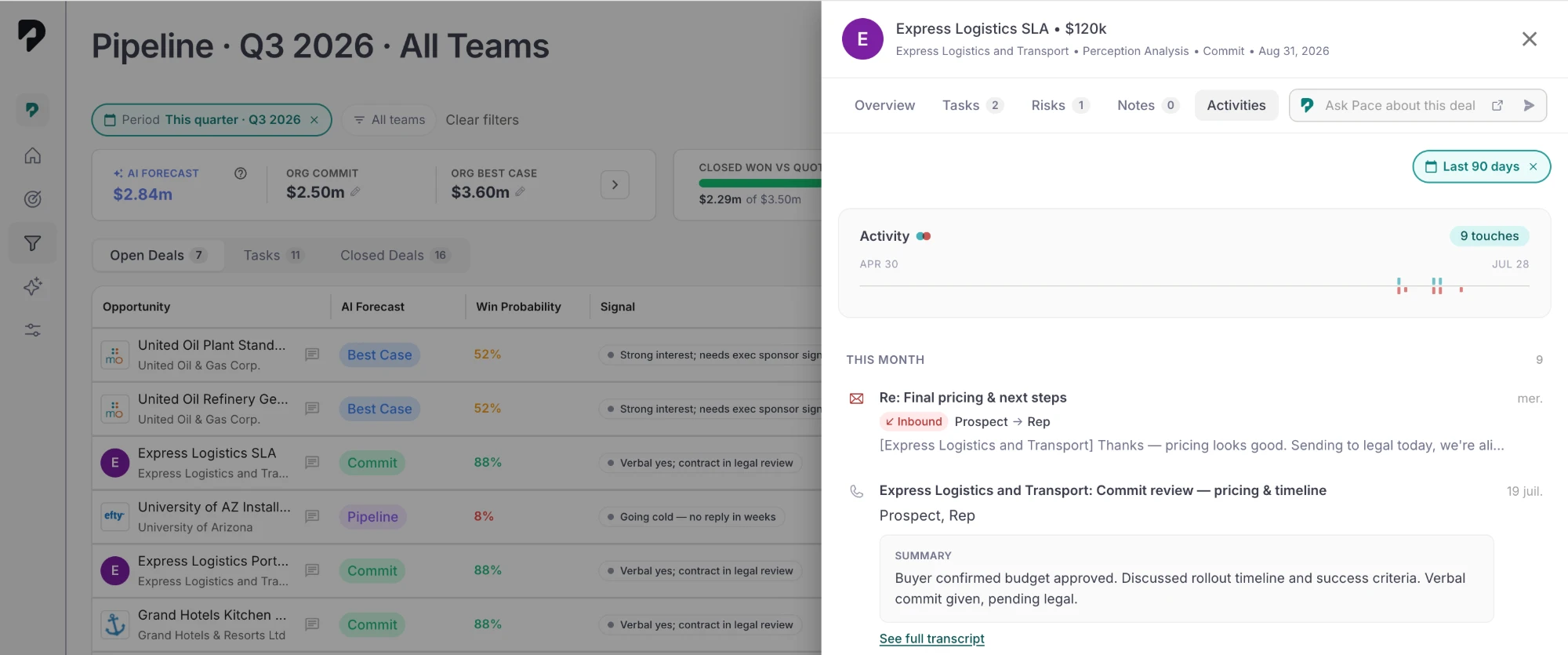
After connecting: Pace backfills the last 90 days of cloud recordings, then classifies and summarizes each one. Larger accounts take a while to work through. Calls appear on deals as they're processed rather than all at once.